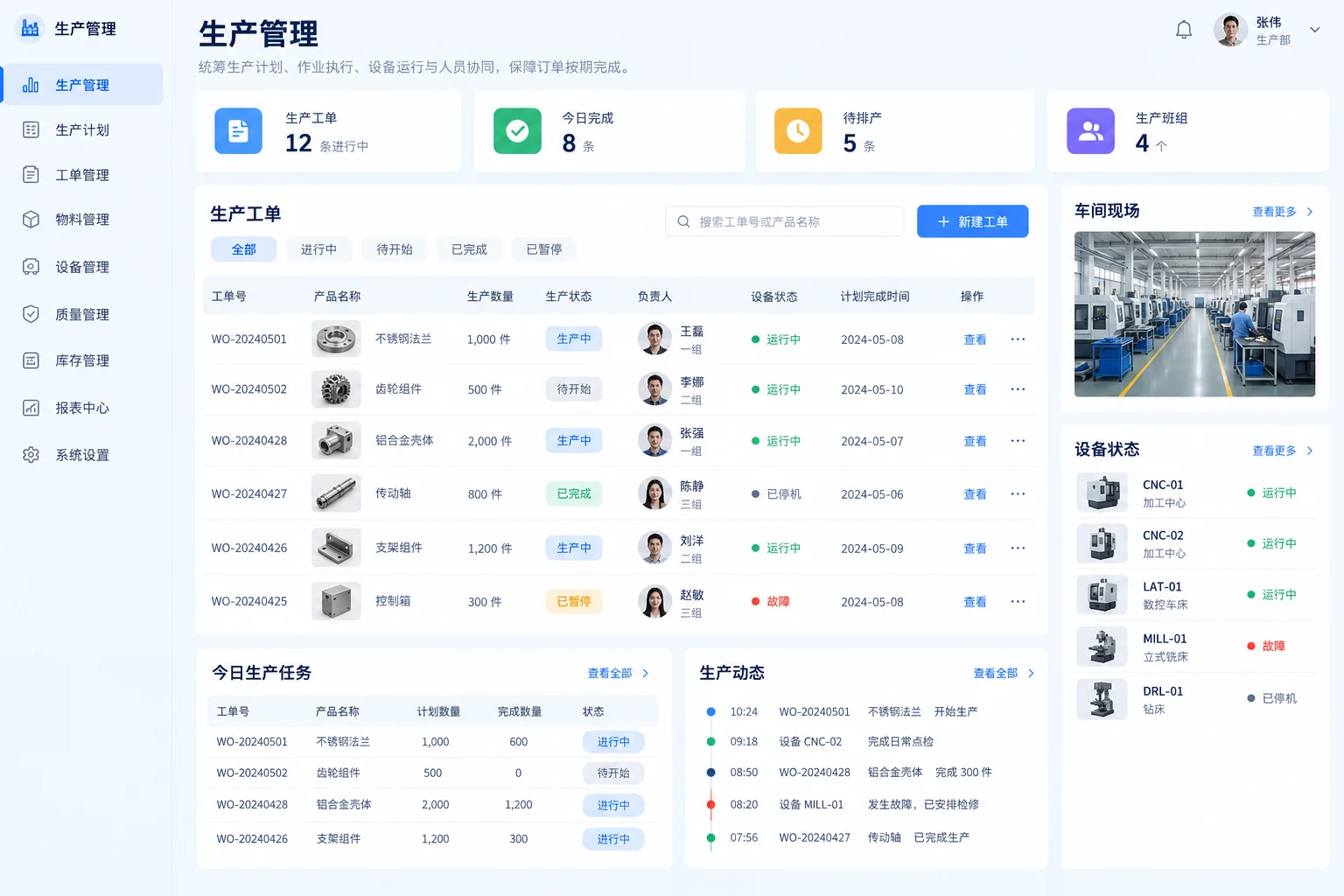
Production & equipment
Production progress and equipment exceptions
Connect work orders, equipment and exceptions so teams can identify issues, assign owners and track resolution.
Explore the applicationExplore common problems, intended improvements and implementation needs across operations, management, marketing and websites. Interface references support the discussion of requirements.
Connect production, inventory, customers, costs and internal work with clear ownership and traceable progress.
Connect work orders, equipment and exceptions so teams can identify issues, assign owners and track resolution.
Explore the application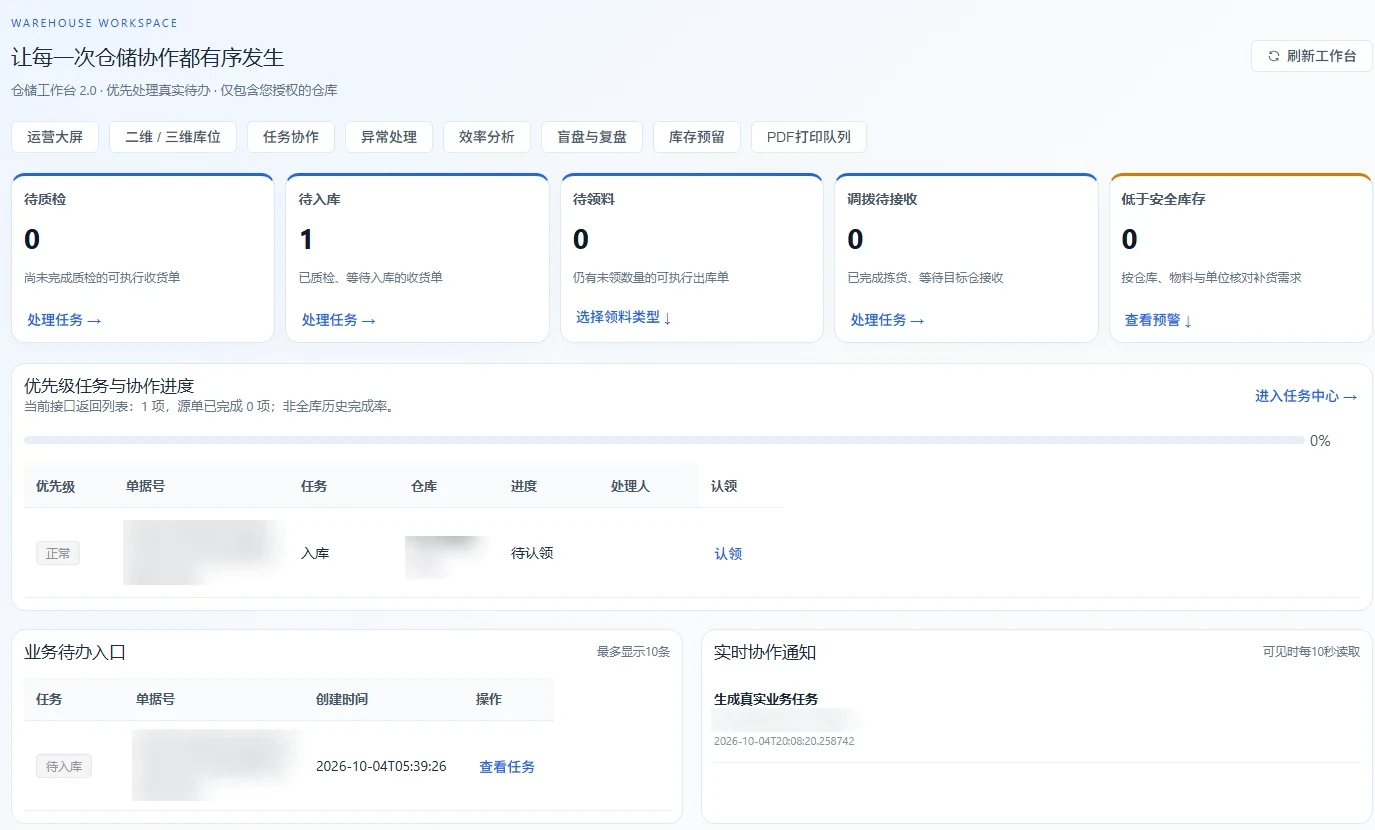
Link receipts, dispatch, locations, counts and mobile tasks so teams can reconcile stock differences and review progress.
Explore the application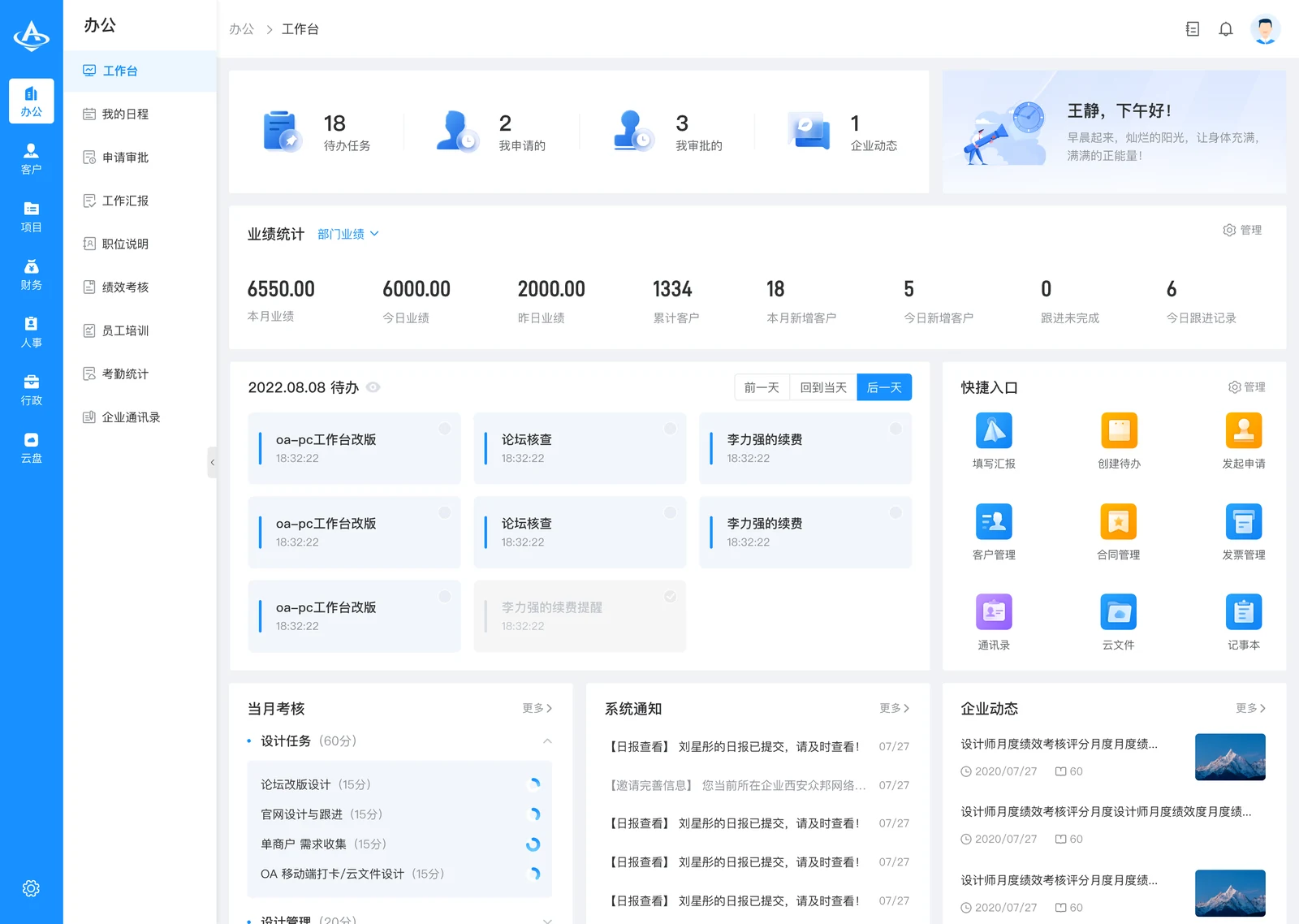
Organise tasks, approvals and records by role so managers can see ownership, outstanding work and exceptions.
Explore the application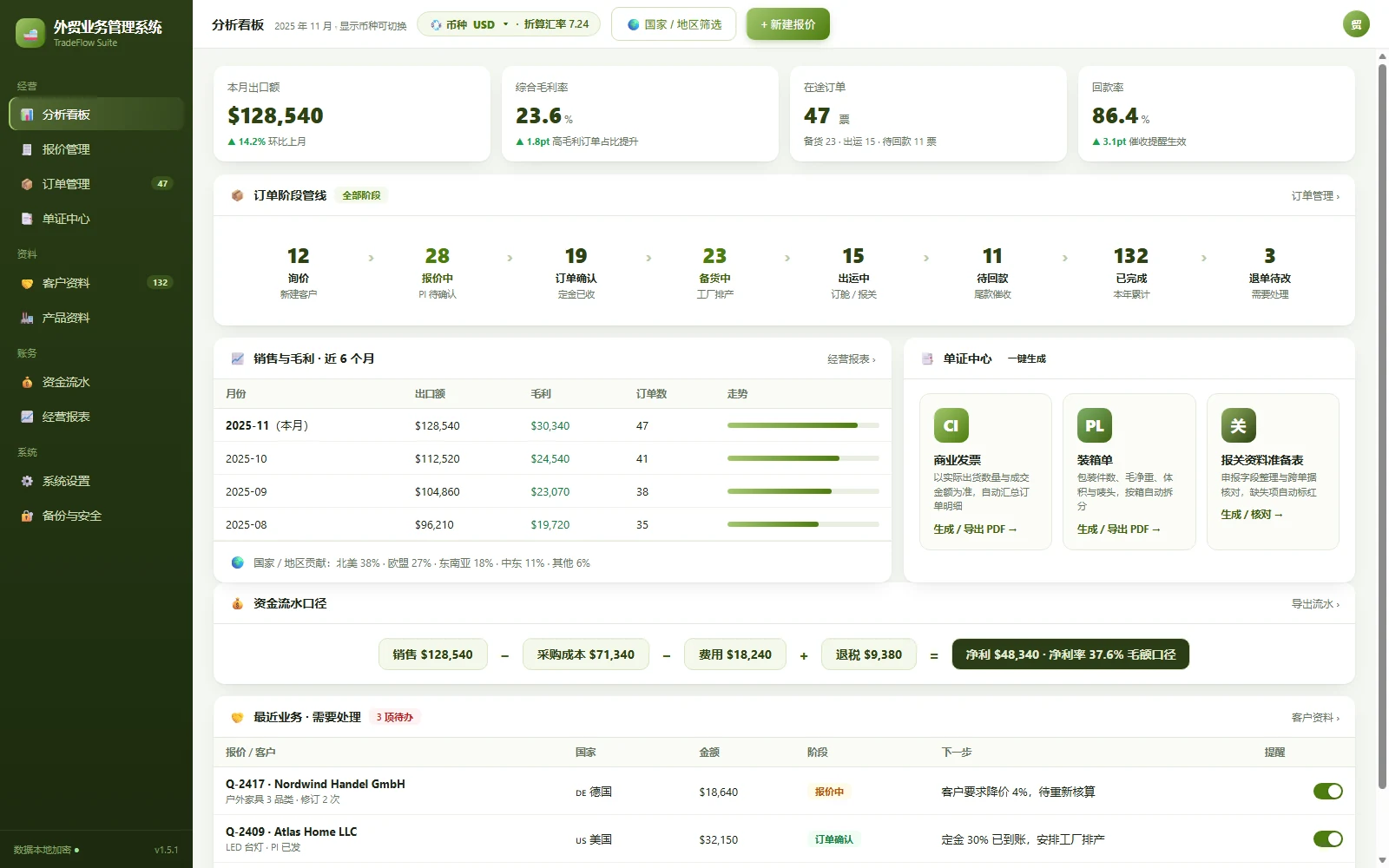
Connect customer follow-up, quotes, orders and payments so managers can review progress, hand over work and spot exceptions.
Explore the application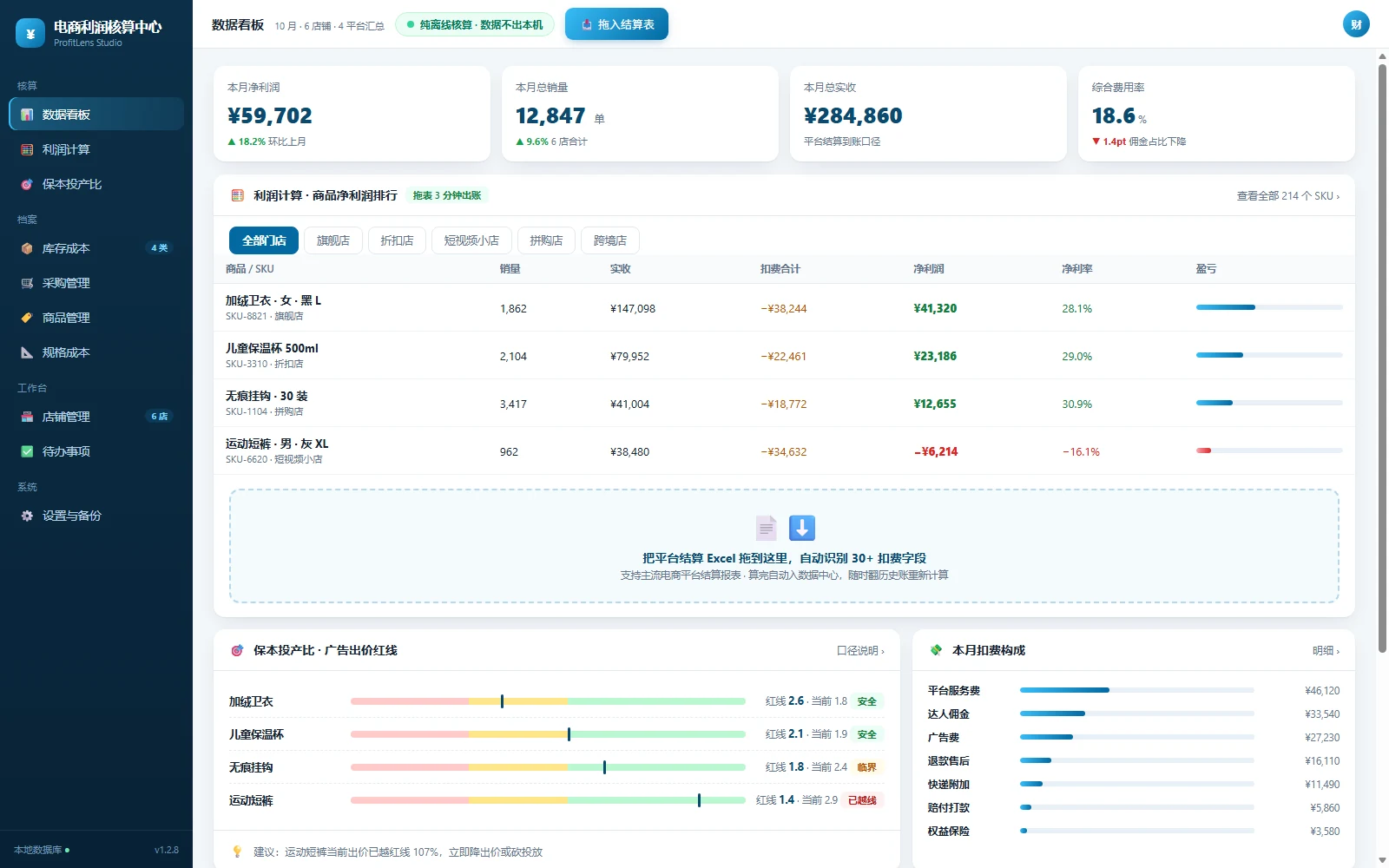
Use consistent assumptions to compare margins across price and cost scenarios for quoting, selection and cost review.
Explore the application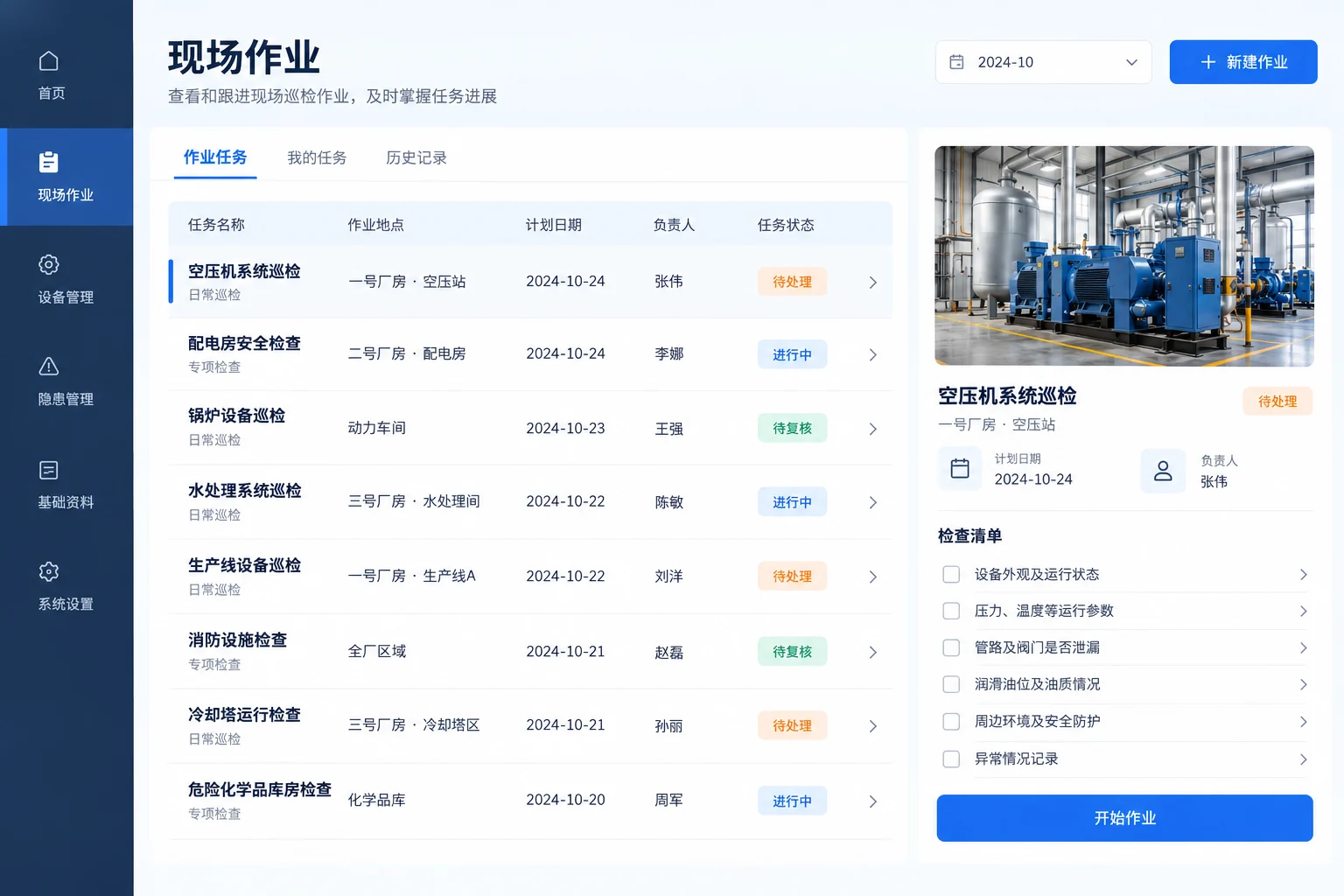
Connect inspection assignments, on-site records and exception handling with clear ownership, review and handover records.
Explore the applicationCoordinate customer communication, product information, content and live sessions with clearer ownership and progress.
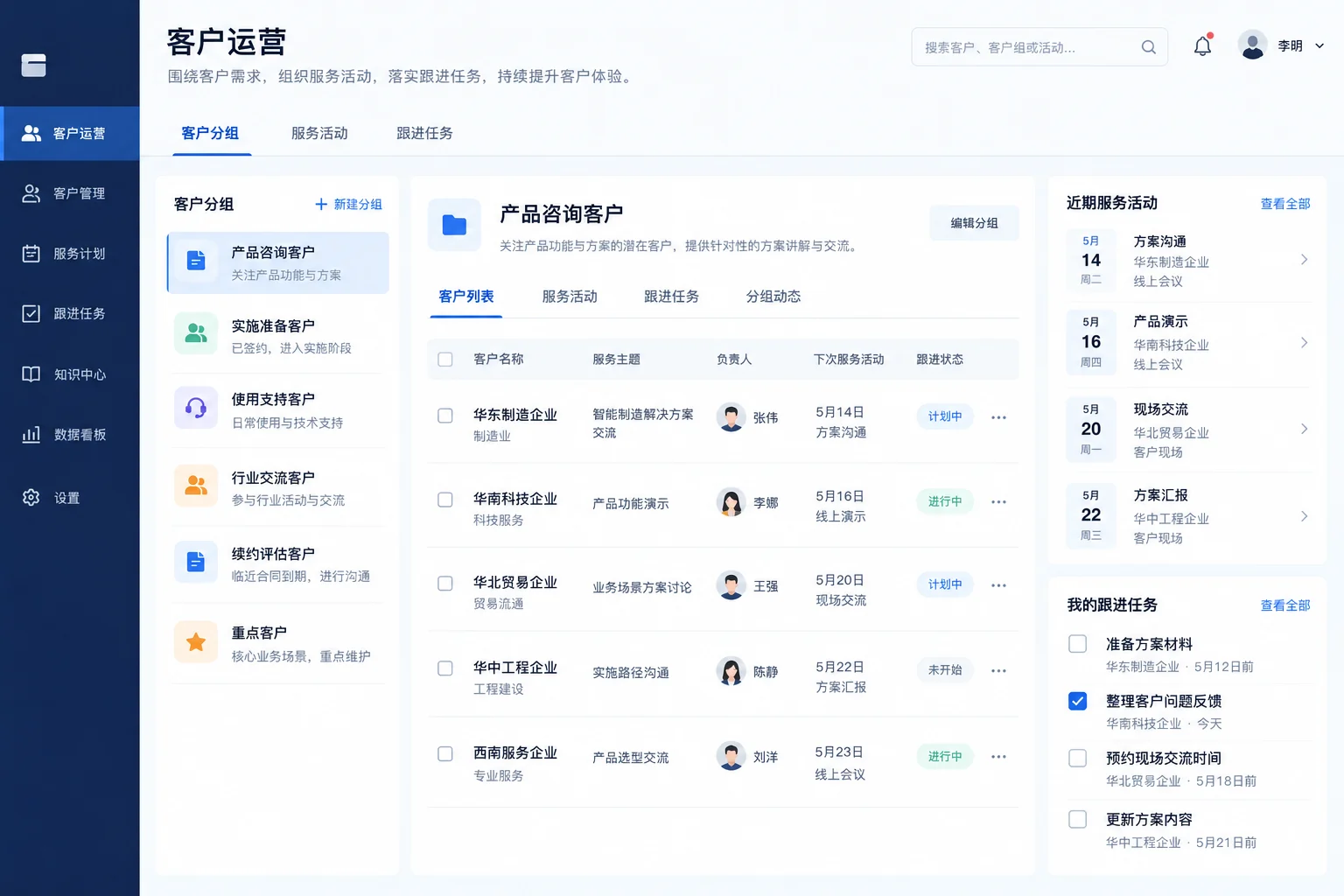
Organise campaigns and follow-up tasks with clear ownership and status, reducing missed work and repeated conversations.
Explore the application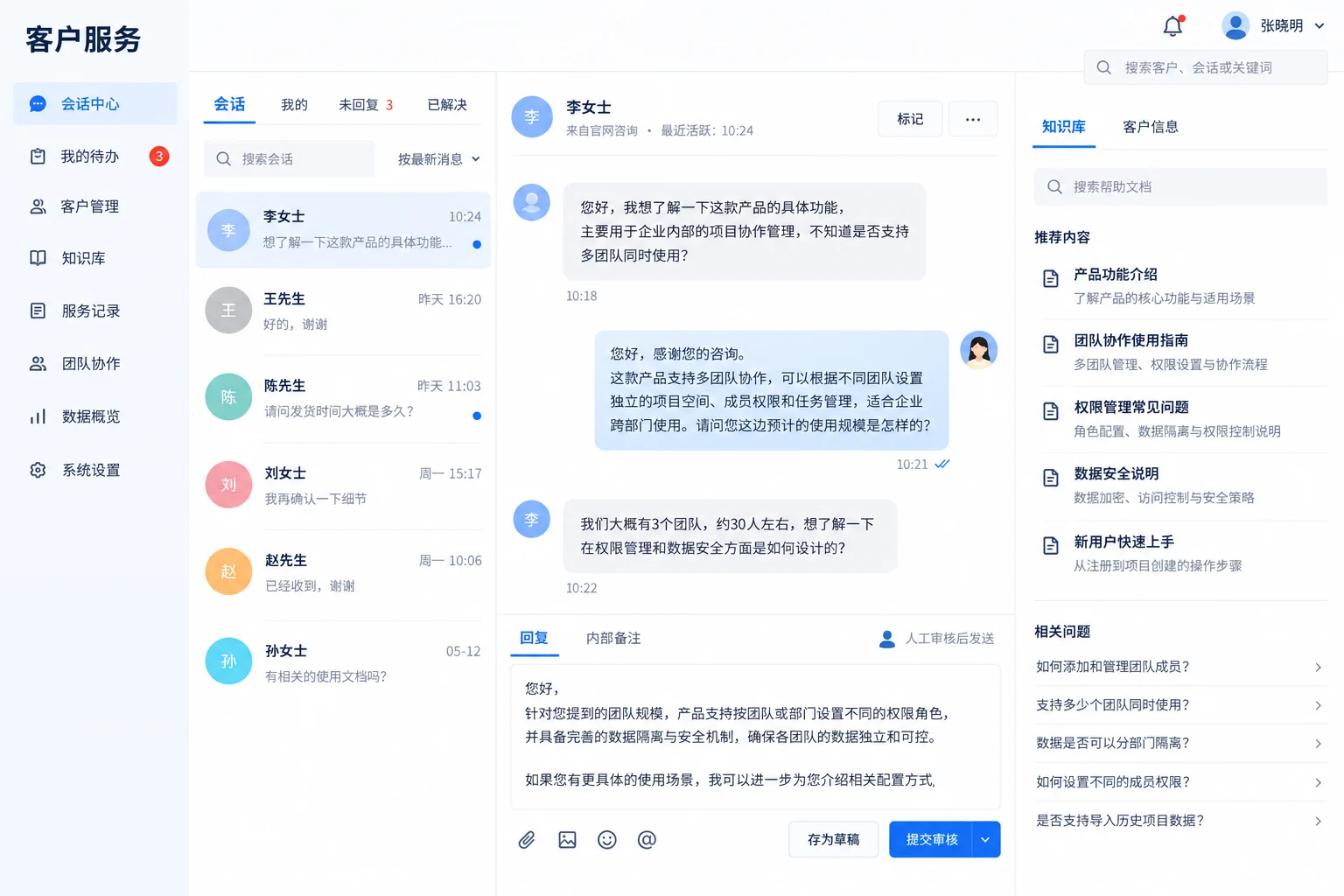
Bring response material, conversation records and next actions together, with staff reviewing important replies.
Explore the application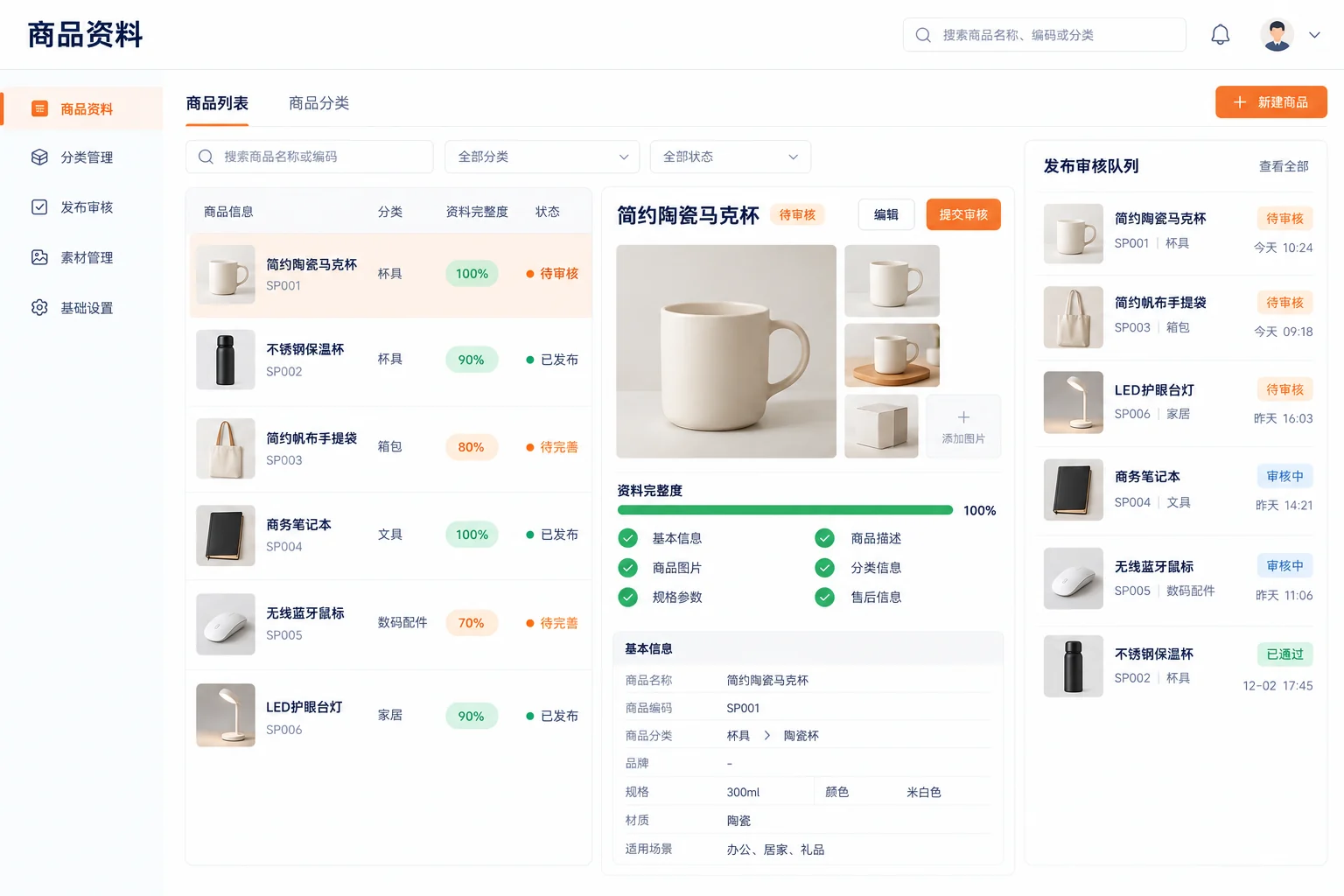
Standardise product records and listing preparation so teams can check required fields, versions and progress.
Explore the application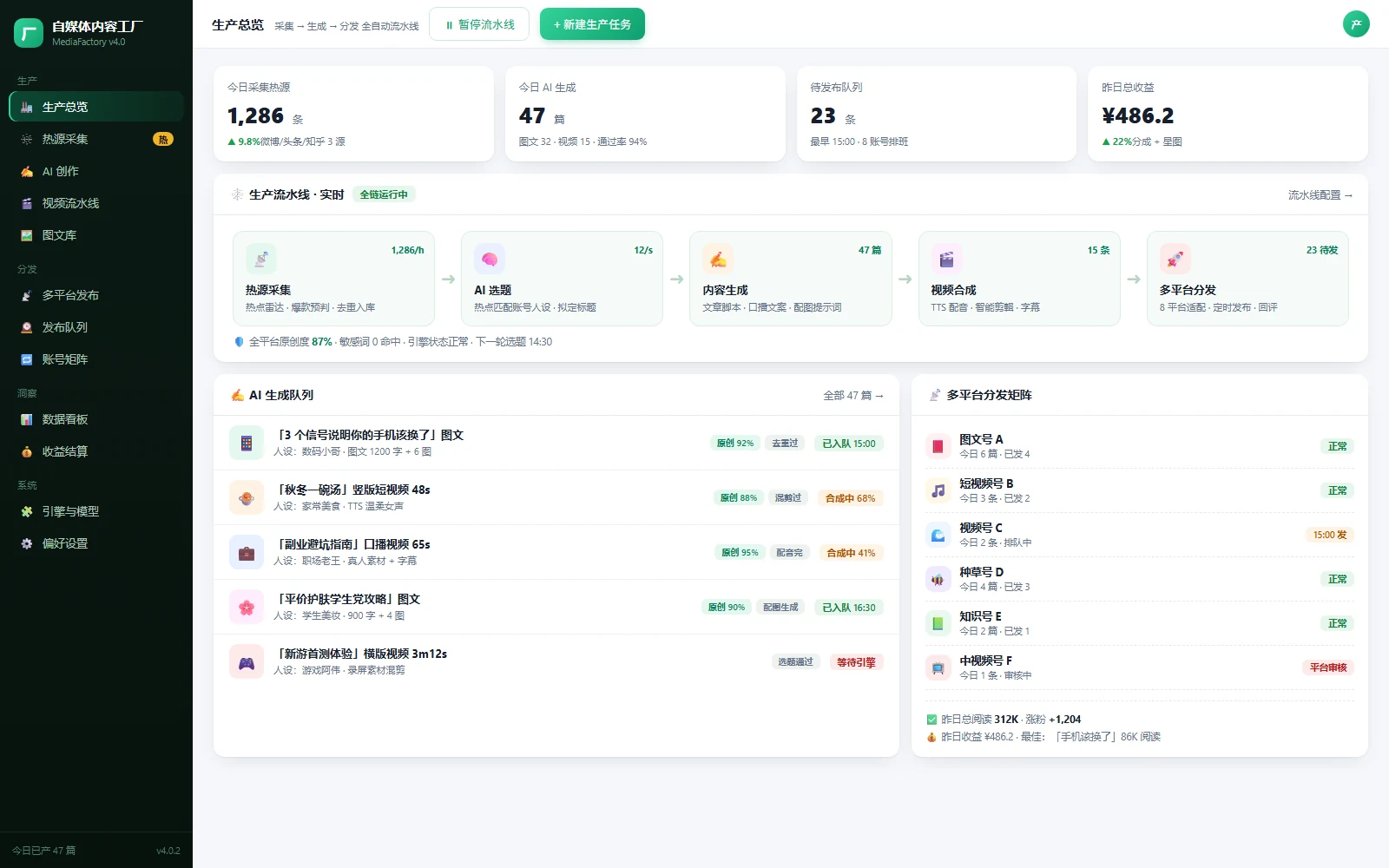
Connect briefs, production, review and publishing plans so teams can allocate work, reuse assets and review quality.
Explore the application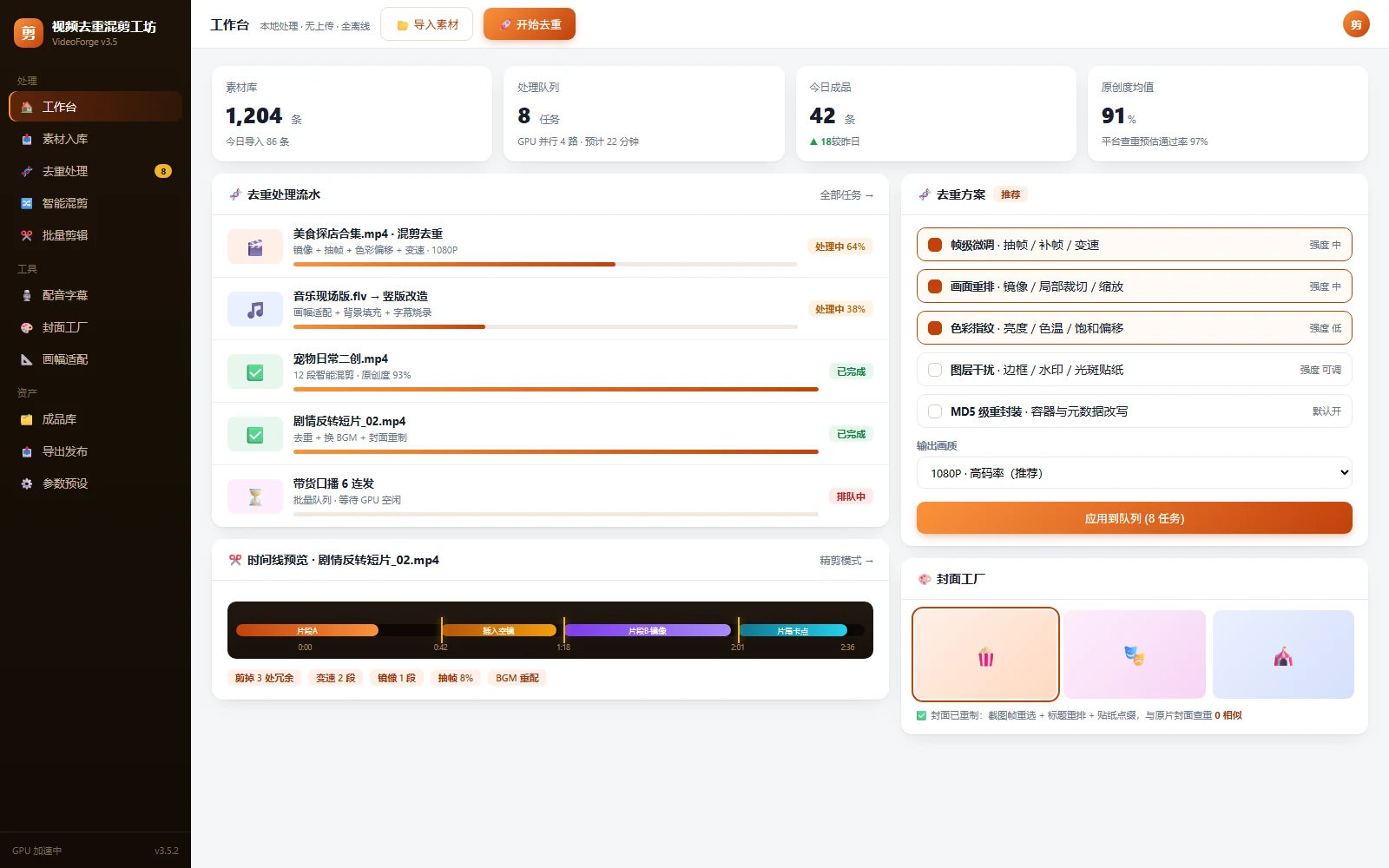
Organise source assets, editing templates and export jobs with visible progress and version history.
Explore the application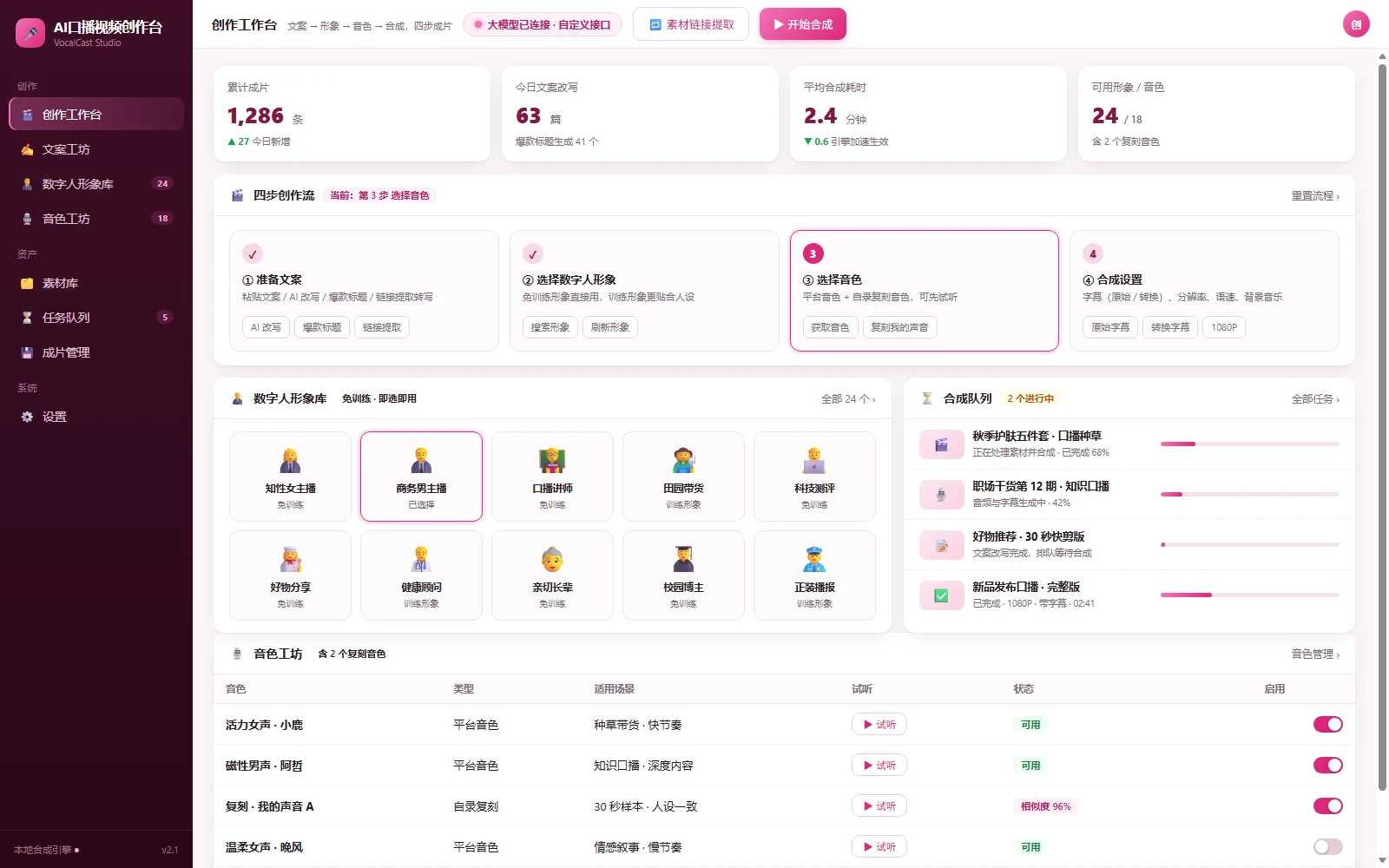
Coordinate scripts, voice, visuals and review to maintain output versions for different channels.
Explore the application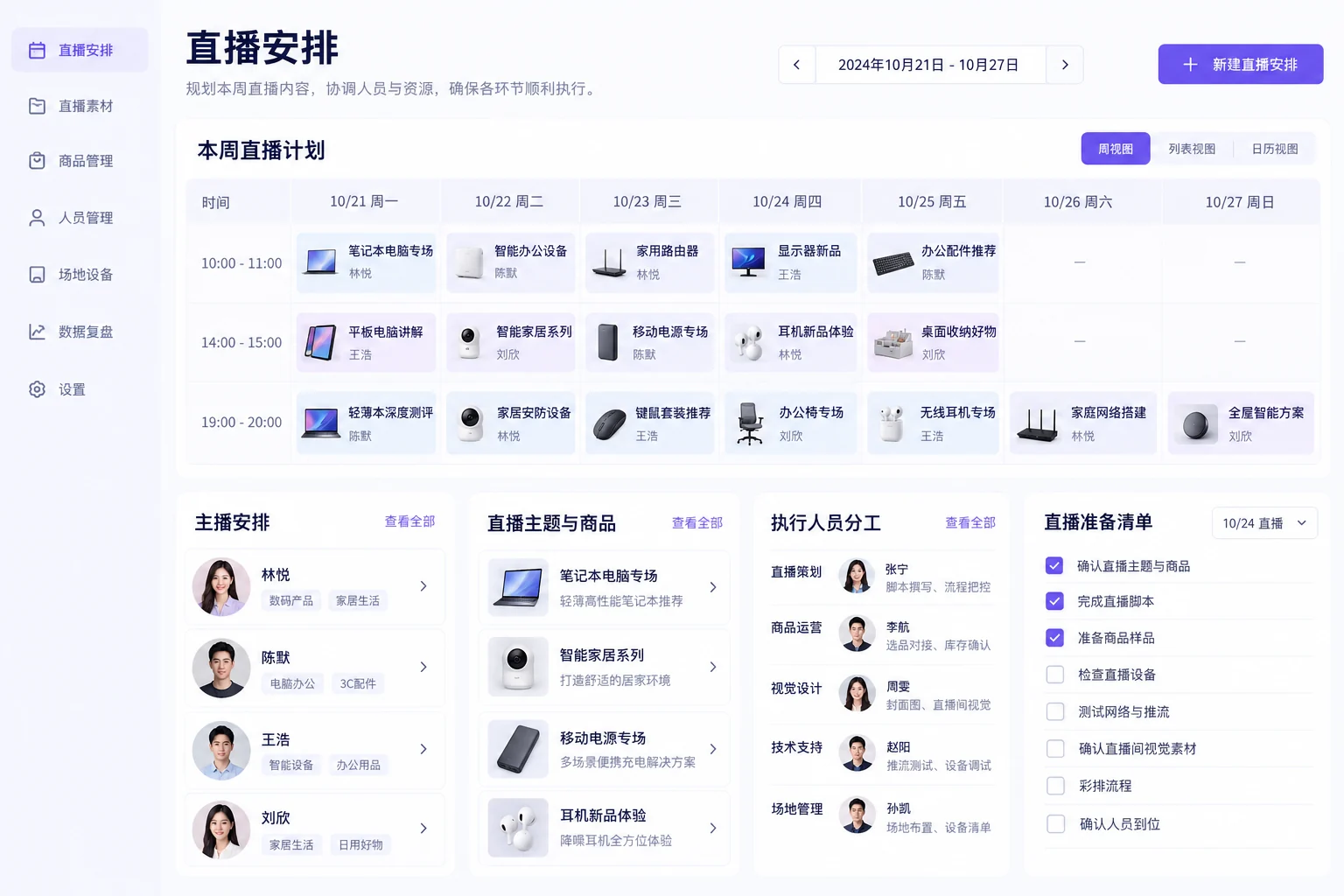
Coordinate media and schedules with preparation checks and exception handling that support reliable handovers.
Explore the application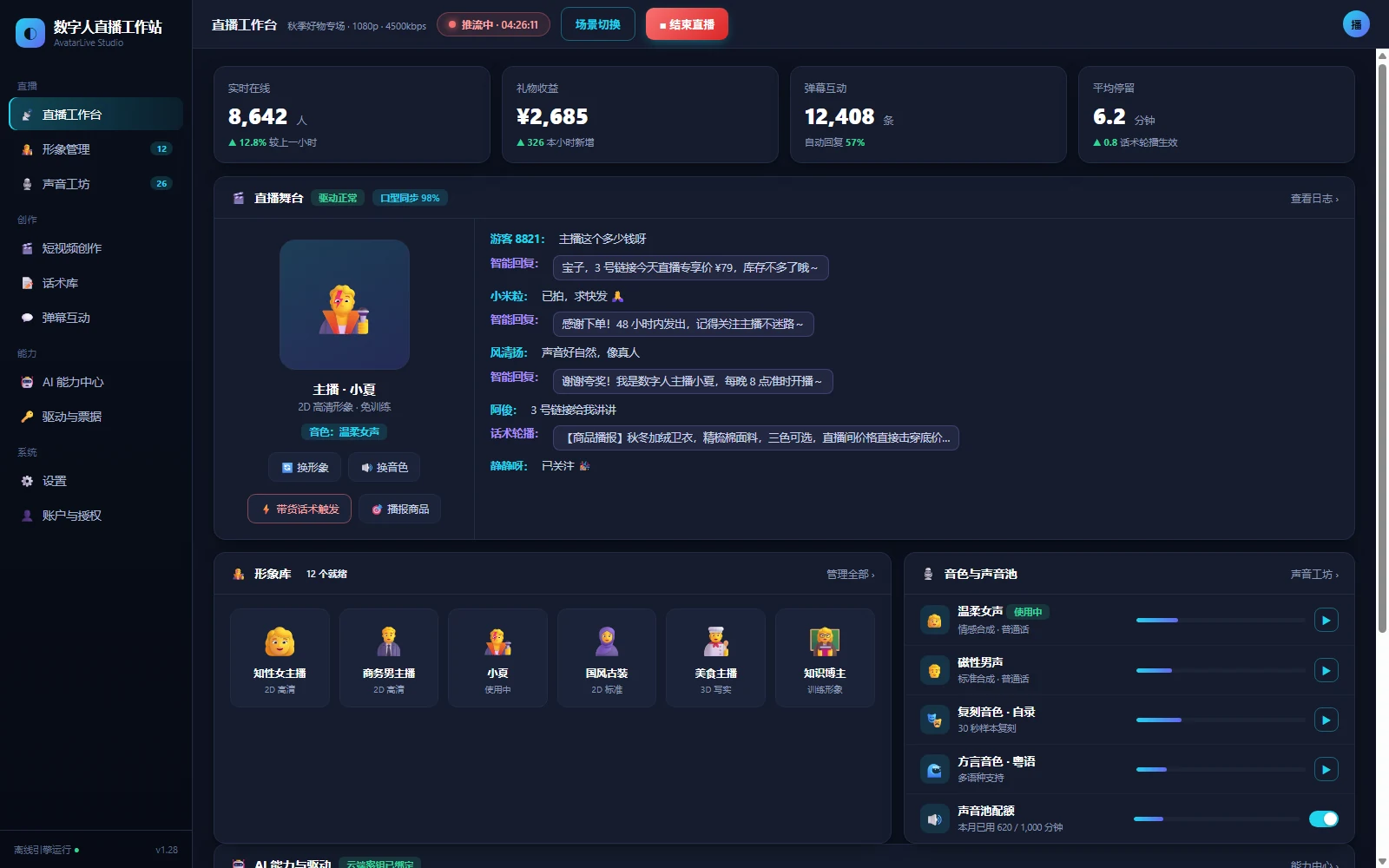
Coordinate presenter assets, scripts and sessions so teams can review content, schedule work and monitor sessions.
Explore the applicationOrganise product and service information around buyer questions and connect enquiries with follow-up.

Structure content around buyer questions, provide clear enquiry routes and plan the handoff to sales follow-up.
Explore the application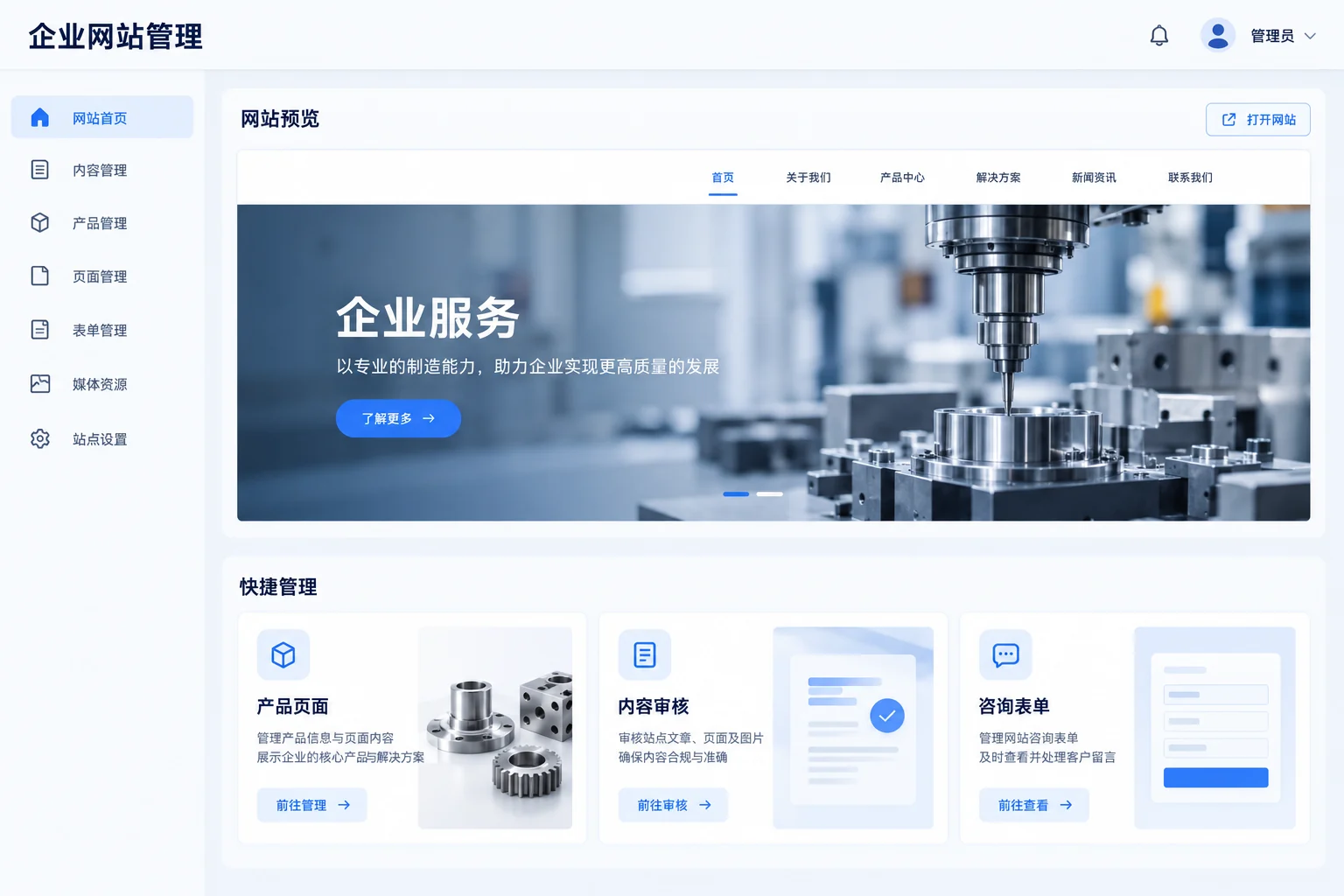
Manage site records, content and publishing centrally while allowing appropriate regional and product differences.
Explore the applicationUse interface references to discuss real work, clarify modules, roles and steps, and agree a practical scope.
Explore the application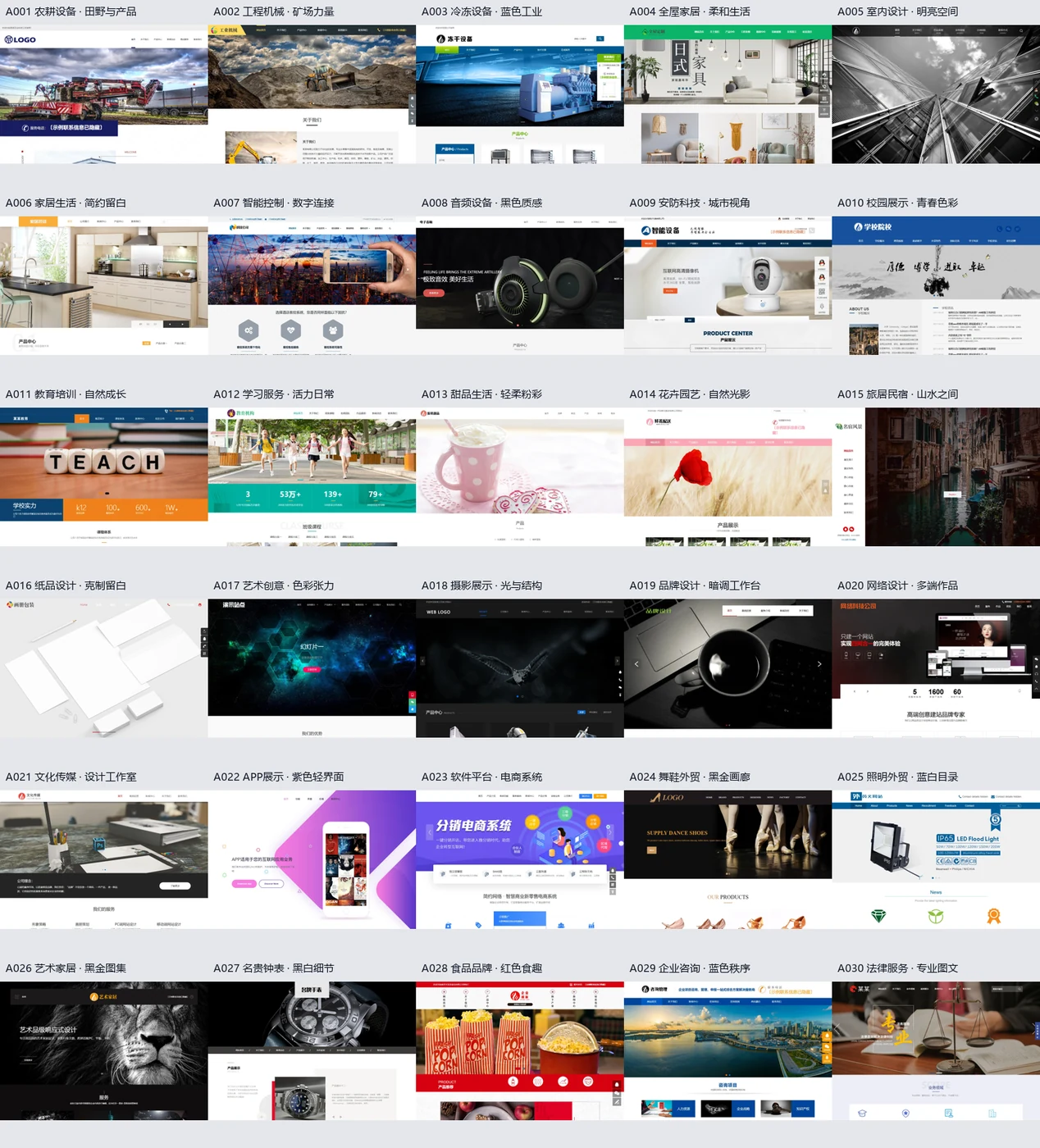
Choose a content structure around the sector and buying process, then use design references to agree the visual direction.
Explore the applicationShare the current problem, users, existing systems and intended improvement so we can discuss scope, implementation and collaboration.
Discuss a project